Dead Rails mouse and camera
Last verified 2026-10-27. Sources are listed at the bottom.
What is actually documented
The stuck cursor is the Roblox mouse lock, not a Dead Rails bug by itself. Releasing it is a client menu action. A frozen camera is also listed on the bugs page, which is different: the view stops responding even after you open the menu.
There is a Camera item in the game. That is loot, not the settings menu. Do not follow an item guide when you wanted invert Y.
If the view is frozen
- Open the Roblox menu and close it once.
- Rejoin the same party if the bugs page pattern matches a frozen client.
- Lower graphics only if the whole window is stuttering. That fix is on the lag page.
More in this topic


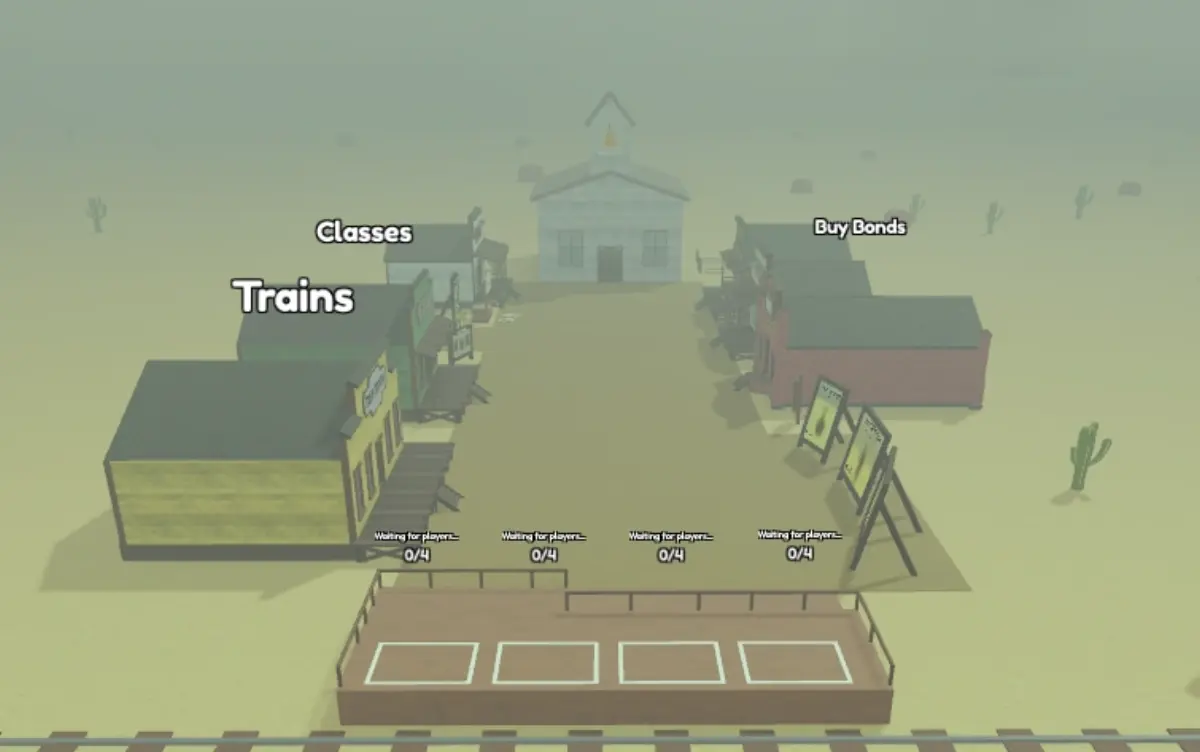

Community video references
Optional external references, not official uploads or verified walkthroughs. Videos do not load on this site.
Questions
How do I unlock my mouse in Dead Rails?
Open the Roblox menu so the cursor is released. The experience captures the mouse for looking. The exact key depends on your device.
How do I invert mouse Y?
Roblox exposes CameraYInverted on UserGameSettings. Look in the Roblox camera or controls settings, not in a Dead Rails-only keybind screen.
Can I play in third person?
Roblox cameras zoom out with the scroll wheel until the view sits behind the character. Dead Rails does not publish a separate third-person toggle in the sources checked here.